
Blender 5 Extension
Super IO 2.x is packaged as a Blender extension and requires Blender 5.0 or newer.
Copy files in your file manager, paste them into Blender, and keep custom IO rules under versioned JSON configuration.
Copy model, blend, SVG, image, or folder paths and paste them into the active Blender context.
Export selected models or images and place the result back on the system clipboard.
Match by extension, name rule, and operator type when the default import/export flow is not enough.
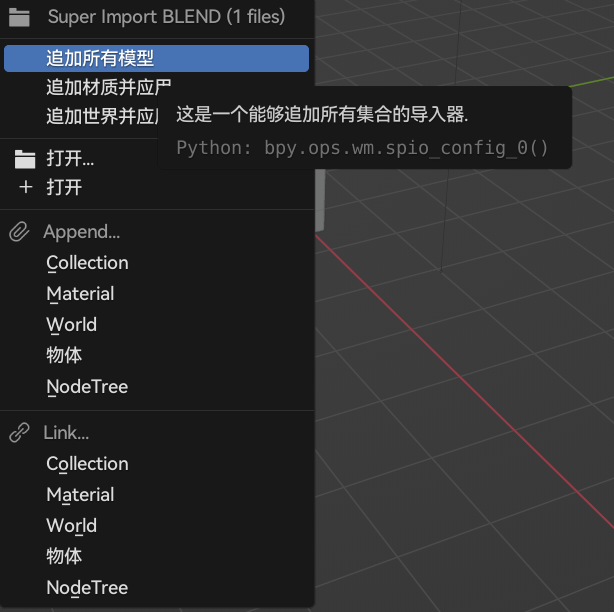
Super IO is designed for short, repeated IO tasks: moving files from Explorer or Finder into Blender, exporting selected assets back to the file system, and using custom presets when a file type needs special treatment.
For Blender 4.x and earlier, use an older package from the release history.