What Is Blender Avalonia Bridge
Blender Avalonia Bridge is a toolkit for bringing Avalonia UI into Blender.
Bridge brings Avalonia into Blender, preserving almost the full Avalonia framework while delivering Blender-native rendering and interaction.
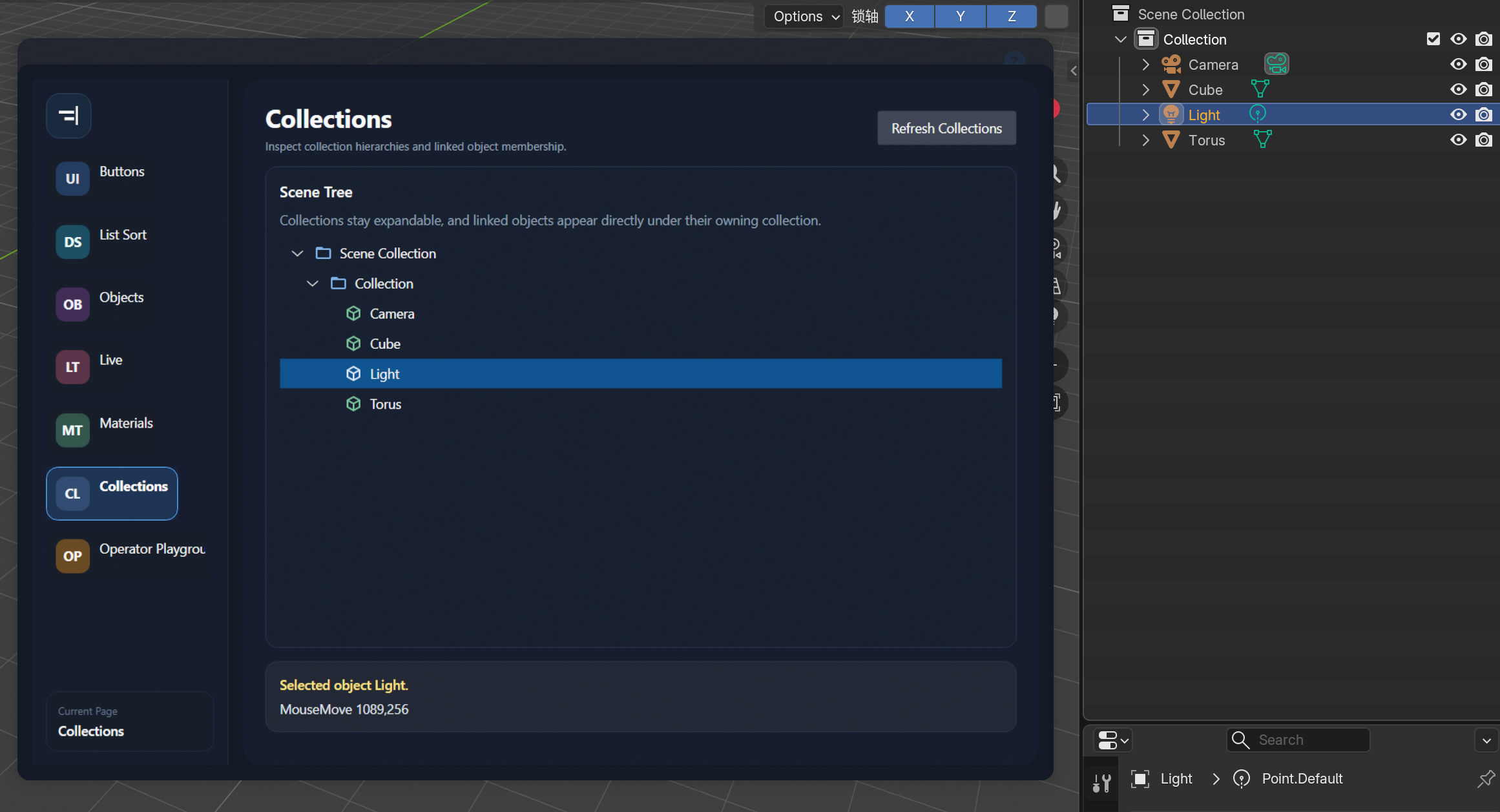
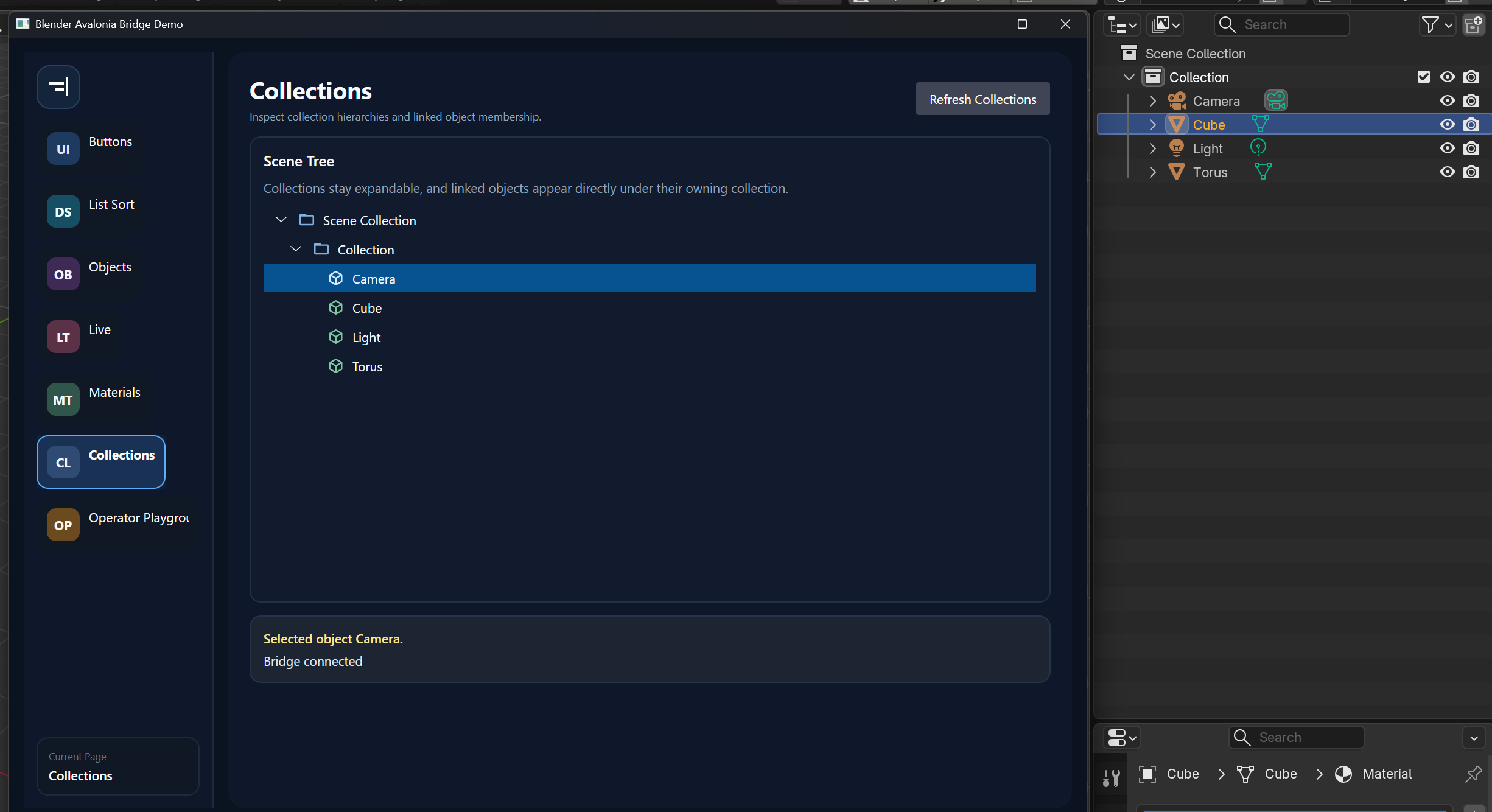
The repository has four main parts.
| Module | Description | Role | Path |
|---|---|---|---|
| avalonia bridge core | .NET / Avalonia runtime that includes the custom offscreen Avalonia backend, stable frame pump, frame transport, input dispatch, business channel, and BlenderApi | Hosts Avalonia UI and exchanges frames, input, and business messages with the Blender-side bridge module | src/BlenderAvaloniaBridge.Core |
| blender bridge core | Blender-side runtime that includes BridgeController, socket transport, business endpoints, and View3DOverlayHost | Launches the Avalonia process, forwards input, receives the latest frame, and draws the 3D View overlay | src/blender_extension/avalonia_bridge/core |
| avalonia sample | Standalone runnable Avalonia sample app integrated with the avalonia bridge core | Used for demos, offscreen / desktop mode verification, and code examples | src/BlenderAvaloniaBridge.Sample |
| blender extension | Blender extension that assembles the blender bridge core | Provides Blender panel configuration, startup entry points, and sample integration | src/blender_extension/avalonia_bridge |
In practice, the project is intended to be used like this:
- The Avalonia side owns UI, state, and business logic, and produces frames in offscreen mode through the custom Avalonia backend and stable frame pump
- The Blender side owns hosting, input forwarding, latest-frame consumption, 3D View overlay drawing, and business request forwarding
You do not need to maintain your own Blender GPU-based UI stack, and you do not have to push all UI behavior into Blender panels and Python-only workflows.
What It Is Not
This is not a "build everything as Blender Python panels" approach.
If you only need a very small Blender panel or utility, a traditional addon is simpler.
This bridge fits projects where Blender owns hosting, input, and the overlay, while the Avalonia app owns UI, business logic, and offscreen frame production.
Advantages
1. Better fit for complex UI
You can build desktop-grade UI in Avalonia without maintaining a custom GPU UI layer inside Blender.
2. Better fit for reusing the .NET / Avalonia stack
If you're familiar with Avalonia, C#, and .NET, you can continue to use the frameworks, libraries, and project structure you already know.
3. Better fit for moving complex business logic into a separate process
Keeping business logic on the .NET side fits large data processing, complex computation, or existing backend-style modules.
4. Better fit for reducing Python business source distribution
If you do not want to distribute core business logic as Python source, you can compile the Avalonia project as a native program with .NET AOT.
Known limitations in offscreen mode
- Currently supported on Windows and macOS only
- Frame cadence depends on Blender redraw scheduling and bridge target FPS. Blender consumes the latest frame instead of requesting frames faster from the bridge.
- External drag and drop is not supported because Blender captures the drop event first.
Next Step
- Run a minimal example: Quick Start
- Integrate your own Blender extension and Avalonia app: Integration Overview